
Stop watching hours of video to find one answer. Search it instead.
YouTube Channel Search: Turn Any Channel into a Searchable Knowledge Base
Are you tired of scrubbing through hours of video just to find a single answer? You are not alone. With YouTube Channel Search, you can transform any messy video library into an instantly searchable knowledge base. Whether you run a coaching program, host unlisted courses, or manage a massive public channel, locking your valuable insights inside hours of video is hurting your audience. This guide explains why standard video platforms fall short and how semantic search is changing the way we consume educational content.
Key Takeaways
- Semantic search across entire channels — find answers by meaning using YouTube Channel Search, not just keywords.
- Timestamp-level precision — jump directly to the exact second a topic is discussed.
- Works with public and unlisted videos — perfect for premium courses hosted on private YouTube channels.
- Shareable search portals — generate password-protected links for students, clients, or internal teams.
The Hidden Cost of "Watch This Entire Course"
For years, creators have relied on unlisted YouTube videos to deliver their premium courses. It is free, reliable, and fast. But there is a massive hidden cost: poor user experience.
When your students have a specific question, they don't want to re-watch a 40-hour masterclass. They want an answer, right now. If they can't find it, they open a support ticket or, worse, abandon the course entirely.
This is the fundamental problem with modern educational content. The knowledge is there, but it is completely unsearchable. Your audience is forced to waste time scrubbing through timelines. It is time to rethink how we deliver value.
How YouTube Channel Search Solves the Problem
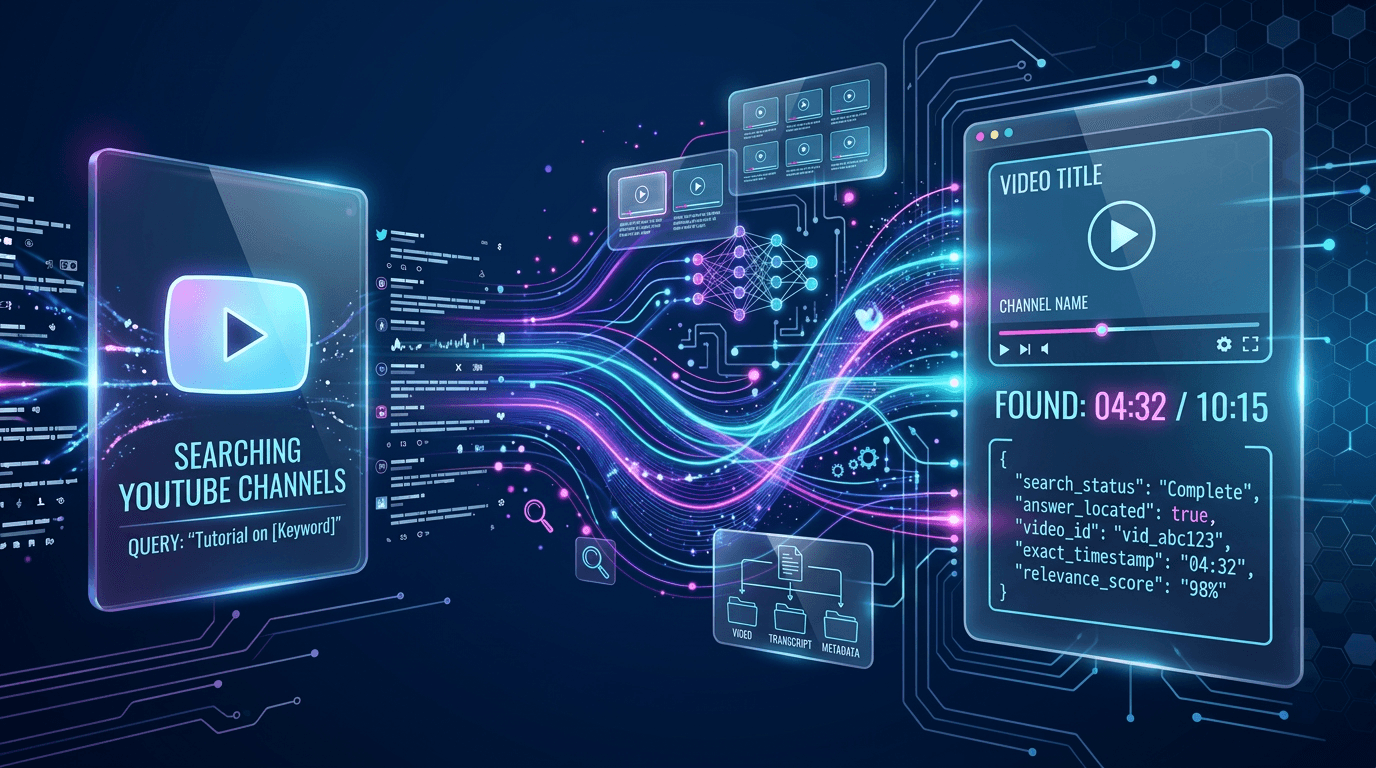
With the advent of AI, we no longer have to rely on simple video titles or descriptions. YouTube Channel Search lets your audience query the actual spoken words across your entire channel history.
Here is how you can set it up to provide an incredible experience for your viewers:
- Connect Your Content — Link your public or unlisted YouTube channel safely via OAuth.
- Automatic Indexing — The system automatically reads every transcript and indexes the knowledge.
- Natural Language Queries — Viewers type questions exactly as they would ask a human expert.
- Instant Timestamped Answers — The AI finds the exact moment the topic is discussed and provides a direct, clickable timestamp.
3 Ways to Use a Searchable Video Library
If you are wondering how this fits into your workflow, here are three powerful ways to leverage this technology today:
1. Upgrade Your Premium Cohorts
Cohort-based programs generate massive amounts of weekly video content. By offering a unified search portal, new members can instantly find historical Q&A sessions without feeling overwhelmed.
2. Build Internal Company Training
Stop forcing new hires to watch outdated training playlists. Connect your internal, unlisted channel and let employees search for exactly what they need, exactly when they need it.
3. Enhance Public Educational Channels
If you have a massive public following, give your audience a dedicated search link. They will stay engaged longer when they can quickly find the specific tutorials or advice they are looking for.
Sharing Your Knowledge Base Securely
We know that unlisted courses are your intellectual property. That is why you maintain full control. You can generate up to three shared search links per channel.
Want to restrict access? Simply add a password to the portal. Your students can search your content without ever needing to create their own accounts or log into a new platform. You can activate or deactivate these links at any time.
Pricing: Surprisingly Affordable
You might think that indexing hundreds of hours of video is expensive, but it is incredibly cost-effective.
Channel scanning consumes Residential Proxy Request credits, but 1 credit covers up to 200 Residential Proxy Requests! This means if you have a massive channel with 1,000 videos, it only takes 5 credits to scan the entire library. Each search itself is billed as a tiny Search Request — 1 credit covers up to 1,000 searches — plus Analysis Request credits for the AI-generated answer. Visit our pricing page for complete details.
Conclusion
Stop letting your best insights get lost in the timeline. By implementing YouTube Channel Search, you empower your audience, reduce your support load, and massively increase the perceived value of your content.
Ready to upgrade your video library? Connect your channel today and see the magic for yourself.
Frequently Asked Questions
Next Steps
Related
All VidNavigator solutions
- Universal Transcript Retrieval API
- YouTube Transcript API
- TikTok Transcription API
- TikTok Profile Scraper API
- TikTok Search API
- Instagram Transcription API
- Facebook Transcription API
- AI Video Search Engine
- Video Analysis API
- Video Data Extraction API
- YouTube Channel Search
- YouTube Channel Strategy
- Tweet Claim Analysis
- X (Twitter) Video Proof