
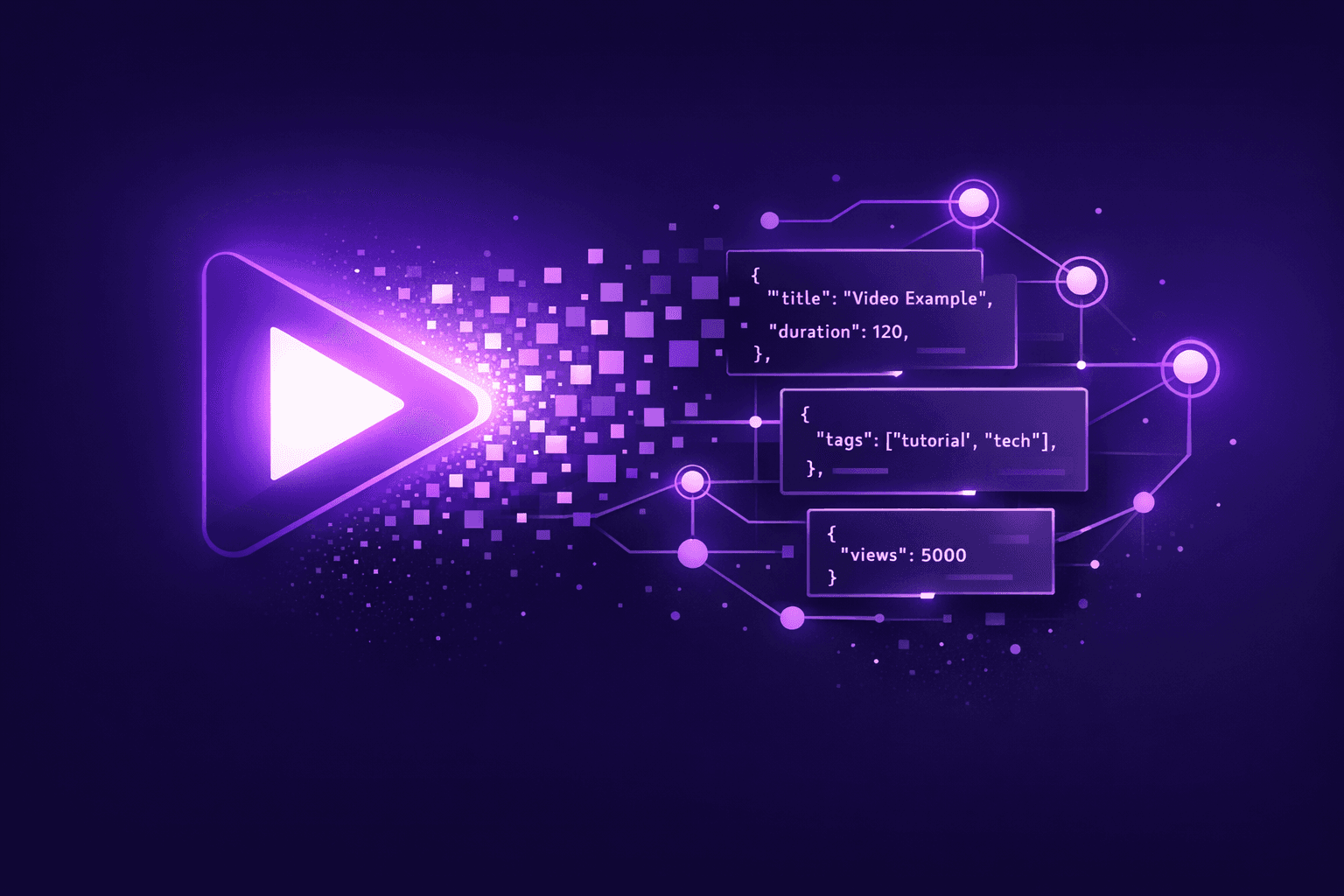
Transcripts and summaries are useful for reading — but impossible to automate. The Extract API lets you define exactly what you need and get clean, structured JSON back from any video.
Video Data Extraction API: Turn Any Video Into Structured JSON
The Problem: Video Content Doesn't Scale
Every day, thousands of hours of video are published on YouTube, Instagram, TikTok, Facebook, X, Rumble, Vimeo, Dailymotion, and Loom. Buried inside are competitor mentions, product reviews, pricing signals, customer pain points, expert insights, and buying intent — data that teams across your organization need.
But video data extraction today is broken. Sales teams manually watch webinars to find lead signals. Market researchers hire interns to catalog competitor mentions across hundreds of product reviews. Content teams scrub through hours of footage to pull a handful of quotes. And when teams try to automate with standard LLM prompts, they get inconsistent, free-form text that changes shape with every call — unusable for databases, CRMs, or pipelines.
VidNavigator's video data extraction API solves this. You define a JSON or YAML schema describing exactly the data points you need — companies, pricing, sentiment, action items, anything — and the API returns clean, validated, structured JSON that matches your schema every single time. No prompt engineering. No parsing code. No inconsistency.
Key Takeaways
- Define a custom schema (JSON or YAML) to extract exactly the data you need from any video — no prompt engineering required
- 2-phase AI pipeline: prompt compilation (cached) → structured extraction (Pydantic-enforced) — guaranteed consistent output
- Works with online videos (
/v1/extract/video) and uploaded files (/v1/extract/file) — YouTube, Instagram, TikTok, Facebook, X, Rumble, Vimeo, Dailymotion, and Loom - Auto-transcription built in — every video URL is returned as timestamped text regardless of platform or caption availability, no separate API call needed
- Response includes video metadata (title, channel, duration, views, etc.) alongside extracted data — no extra API call needed
- Prompt caching (2-hour TTL) means repeat extractions are instant — define a schema once, extract from hundreds of videos
Who Is This For?
Extract company names, decision-makers, pricing offers, pain points, and buying signals from sales calls, webinars, and competitor product demos — then push directly to your CRM.
Turn hundreds of competitor videos into structured datasets: positioning, feature claims, pricing strategies, target audience, and objections addressed. Build a competitive database that updates itself.
Identify hooks, viral quotes, sponsored mentions, content formats, and audience engagement patterns across creator videos and branded content. Scale content research without watching a single video.
Produce vector-ready summaries, typed entities, factual claims, and topic labels — structured for direct ingestion into RAG pipelines, knowledge bases, scoring systems, and AI agent workflows.
Monitor brand mentions, sentiment, promotional codes, creator recommendations, and purchase intent signals across product reviews, unboxings, and influencer content — across every platform, in any language.
Automate the extraction of factual claims, cited sources, statistics, and controversial statements from political speeches, news segments, or documentaries to streamline the fact-checking process.
How It Works: The 2-Phase Pipeline
Phase 1 — Prompt Compilation (one-time, cached)
The API takes your schema and optional what_to_extract instruction and generates an optimized pair of AI prompts (system prompt + user prompt template). This compiled “extraction plan” is cached with a 2-hour TTL based on a fingerprint of your schema + instructions. The next time you send the exact same schema within the cache window, the compilation step is skipped entirely.
Phase 2 — Structured Extraction
The cached prompt template is filled with the video's transcript text, then sent to the AI model with strict structured output enforcement (Pydantic-based). The result is validated JSON that exactly matches your custom schema extraction — no hallucinated fields, no missing keys.
Quickstart — extract/video
Use Case Templates
1. Lead Generation
Built for sales and BD teams. Extract companies, decision-makers, pricing signals, pain points, buying intent, and calls-to-action from sales calls, webinars, or product demos.
2. Market Research
Competitive intelligence for product and strategy teams. Map competitor mentions, feature claims, pricing strategies, target audiences, and objections addressed in industry talks and reviews.
3. Content & Creator Analysis
Designed for marketing and content teams. Capture hooks, key quotes, content format, sponsored product mentions, and audience engagement cues from creator videos and branded content.
4. AI Pipeline / RAG Ingestion
For AI builders and data engineers. Produce vector-ready summaries, named entities, factual claims, topic labels, language codes, and sentiment — structured for direct ingestion into RAG pipelines and knowledge bases.
5. Brand & E-Commerce Monitoring
Track brand mentions, promotional codes, creator recommendations, audience demographics cues, and purchase intent signals across product reviews, unboxings, and influencer content.
6. Fact-Checking & Claim Extraction
Built for journalists, trust & safety teams, and researchers. Extract factual claims, cited sources, statistics, and controversial statements from political speeches, news segments, or documentaries to streamline the fact-checking process.
Extract from Uploaded Files
The /v1/extract/file endpoint works identically to /v1/extract/video but takes a file_id instead of video_url. The file must be uploaded and transcribed first via the file upload endpoints.
If an uploaded video or audio file doesn't have a transcript yet, call /v1/transcribe first to generate one via speech-to-text. The transcript is cached, so subsequent extractions on the same file are instant.
Built-In Auto-Transcription
For non-YouTube platforms (Instagram, TikTok, Facebook, X, Rumble, Vimeo, Dailymotion), the Extract API automatically transcribes the video audio when no platform transcript exists. This is enabled by default via the transcribe parameter.
- Auto-transcription charges speech-to-text credits based on the video's duration — the same rate as
/v1/transcribe. - Transcripts are cached, so subsequent extractions on the same video reuse the cached transcript at no extra cost.
- If either transcription or extraction fails, all charges are reverted automatically.
- Set
transcribe=falseto disable auto-transcription and require an existing transcript. - YouTube videos rely on platform captions and cannot be auto-transcribed. If no captions exist, a 404 is returned.
Schema Rules
- •Max 10 root fields
- •Max 3 nesting levels (level 3 must be primitive only)
- •Max 10 subfields per Object
- •Supported types:
String,Number,Boolean,Integer,Array,Object,Enum - •Every field requires both
typeanddescription
Example Response
Prompt Caching — Why It Matters
Every extraction schema you send is fingerprinted based on your what_to_extract instruction and schema definition. The resulting fingerprint is used to look up a previously compiled prompt plan in the cache.
- The first call with a new schema has ~2–3s of compilation overhead
- All subsequent calls with the same schema skip compilation entirely
- Plans are cached for 2 hours — 2-hour TTL — plans are automatically recompiled when they expire
- Shared across all your videos within the cache window — define once, extract from many
- Changing the schema or instructions creates a new extraction plan
This means your AI video data extraction pipeline gets faster the more you use it. Once a schema is compiled, every subsequent video processed with that schema benefits from instant prompt reuse.
Best Practices
- Write specific field descriptions — the better your descriptions, the more accurate the extraction. Instead of “topic”, write “Primary topic discussed in the video, in 5–10 words”.
- Use Enum types for classification fields instead of free-text String. Enums constrain the AI output to your predefined values, eliminating inconsistency.
- Start with a simple schema and add fields iteratively. Test with 2–3 fields first, verify accuracy, then expand. Complex schemas are harder to debug.
- Use
what_to_extractto guide the AI's focus. This optional instruction steers the model toward specific parts of the transcript, improving relevance and reducing noise. - Write descriptions in your target language. The output is returned in the same language as your schema descriptions. Write field descriptions in French to get French results, in Spanish for Spanish, etc. — 99+ languages supported.
Comparison: Extract API vs. Other Endpoints
| Feature | Extract API | Raw Transcript | Analyze API |
|---|---|---|---|
| Custom output schema | ✅ | ❌ | ❌ |
| JSON / YAML input | ✅ | ❌ | ❌ |
| Prompt caching | ✅ | N/A | ❌ |
| Structured output | ✅ Pydantic-enforced | Raw text | Free-form |
| Works with files | ✅ /extract/file | ❌ | ✅ /analyze/file |
| Works with videos | ✅ /extract/video | ✅ /transcript | ✅ /analyze/video |
Real-World Example: Competitive Intelligence Pipeline
Imagine you're a product team tracking how competitors position themselves. Here's a pipeline you can build in an afternoon:
- Collect URLs — gather 200 YouTube video URLs from competitor channels, industry conferences, and product review creators.
- Define your schema once — use the Market Research template: competitors mentioned, feature claims, pricing strategy, positioning, objections addressed.
- Loop and extract — call
/v1/extract/videofor each URL. The first call compiles the prompt; the remaining 199 reuse the cached plan instantly. - Store results — push the structured JSON into a Postgres database, Google Sheet, or your data warehouse.
- Analyze — query your database: “Which competitors were mentioned most? What features are they claiming? Where is pricing being discussed?”
Total cost: 200 videos = 200 Analysis Requests = 2 credits. Total time: minutes, not weeks. And the schema is reusable — run it again next month on new videos with zero setup.
Pricing: Built for Scale
Each extraction counts as 1 video analysis for standard-length videos. For longer transcripts, billing scales as ceil(total_tokens / 15,000) analysis credits — so a 30,000-token transcript counts as 2 analysis credits.
If auto-transcription is triggered (no existing transcript on non-YouTube platforms), speech-to-text hours are also charged based on the video's duration — the same rate as the /v1/transcribe endpoint. If the request fails at any point, all charges are reverted.
This includes both the prompt compilation (if needed) and the structured extraction. Compare that to the cost of a research analyst manually watching and cataloging video content — or the engineering time to build and maintain a custom GPT wrapper with parsing, retries, and schema validation.
See the pricing page for full plan details and volume options.
Frequently Asked Questions
Next Steps
Related
All VidNavigator solutions
- Universal Transcript Retrieval API
- YouTube Transcript API
- TikTok Transcription API
- TikTok Profile Scraper API
- TikTok Search API
- Instagram Transcription API
- Facebook Transcription API
- AI Video Search Engine
- Video Analysis API
- Video Data Extraction API
- YouTube Channel Search
- YouTube Channel Strategy
- Tweet Claim Analysis
- X (Twitter) Video Proof