
A single Universal Transcript Retrieval API to fetch clean, timestamped transcripts across platforms, built for LLMs, agents, and RAG.
Universal Transcript Retrieval API: Fetch Transcripts from Any Platform
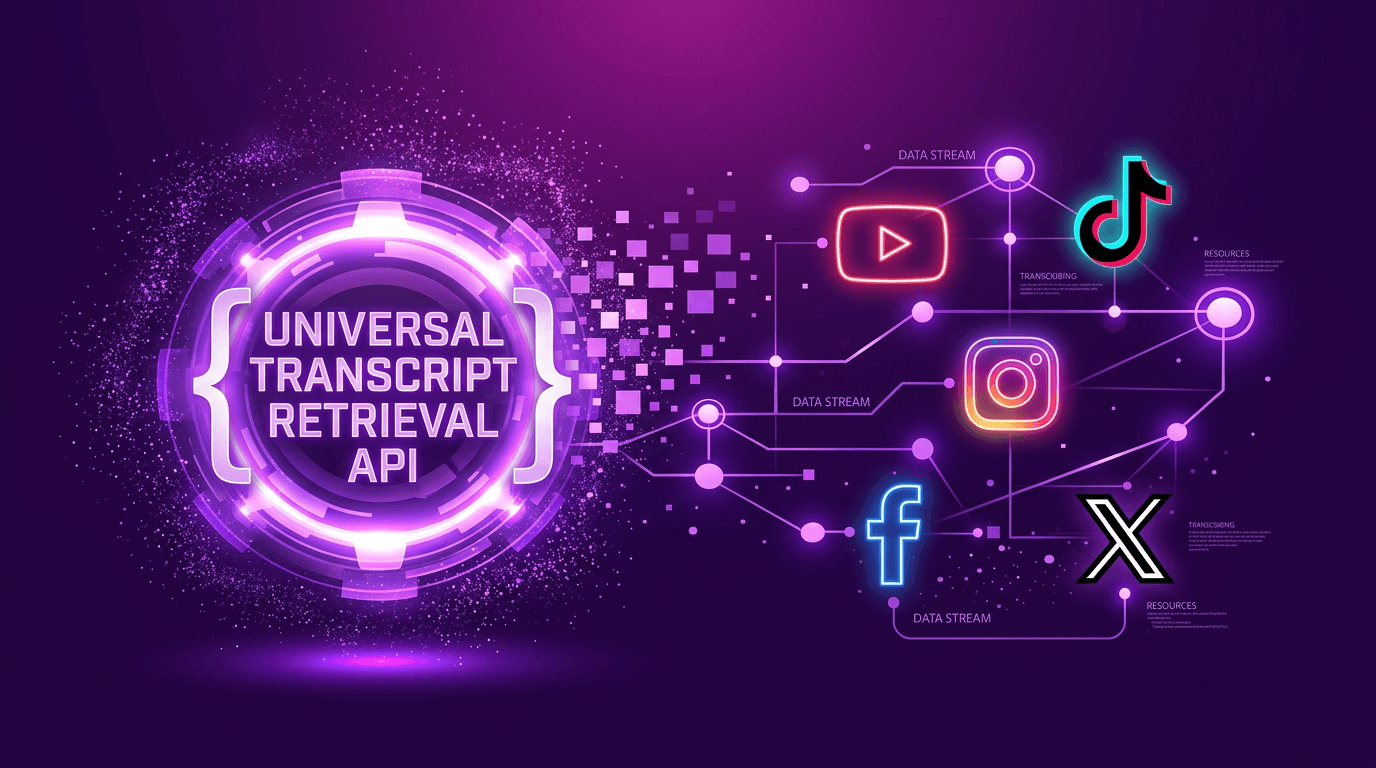
Use VidNavigator's Universal Transcript Retrieval API to get clean, timestamped, LLM-ready transcripts and metadata from YouTube, Instagram, TikTok, Facebook, X (Twitter), and more, returned in a consistent JSON format.
Introduction: Why this API now?
The rapid rise of large language models and AI agents has created demand for reliable, large-scale, multi-platform transcript access. Modern RAG pipelines need consistent structures, timestamps, and metadata across sources to ground answers in verifiable evidence.
Our aim is to remove platform fragmentation so teams can build faster. To our knowledge, this is the only large-scale, multi-platform transcript retrieval API that returns timestamped transcripts from any video URL in a uniform, LLM-ready JSON schema for retrieval-augmented generation (RAG) and analytics.
Key takeaways
- One API for transcripts across YouTube, X, TikTok, Instagram, Facebook.
- Transcript API for video URLs; Transcribe API for user-uploaded audio or video files.
- Consistent JSON: text, start, end, plus rich video_info for RAG.
- Built-in timestamps make answers verifiable and shareable.
What is the Universal Transcript Retrieval API?
It's a single interface to programmatically retrieve (or generate) video transcripts and structured metadata across platforms. This enables reliable RAG, analytics, and search experiences without building platform-specific scrapers.
How it works
- Transcript API: POST a video URL from any of 9 platforms and get back timestamped transcripts in 99+ languages as normalized JSON.
- Transcribe API: High-quality ASR for user-uploaded audio or video files.
- Uniform schema: You get consistent fields (text, start, end) plus video_info for every source.
Quickstart
Transcript API (video URLs)
Transcribe API (user-uploaded files)
Python example
Transcript vs Transcribe (when to use)
| Feature | Transcript API | Transcribe API |
|---|---|---|
| Speed | Instant to sub-real-time on captioned sources | 1 hour of audio in <30s |
| Best for | Any public video URL across 9 platforms | User-uploaded audio or video files |
| Cost at scale | Up to $0.00008 – $0.004 | Up to $0.0044/min |
| YouTube | ✓ (via /transcript) | ✗ Not supported |
| ✗ Not supported | ✓ Supported |
Response structure (example)
Best practices for accuracy and scale
- Use the Transcript API for public video URLs; use the Transcribe API when your input is a file you uploaded yourself.
- Persist transcripts to your store to power RAG and avoid repeated fetches.
- Keep timestamps to anchor answers and create shareable, verifiable links.
- Respect platform policies; cache responsibly and handle rate limits/backoffs.
Pricing & capacity
Start free. For high-volume retrieval, use the Voyager plan or contact us for Enterprise. Credits support bursty workloads and batch backfills.
FAQs
Next steps
Related content
All VidNavigator solutions
- Universal Transcript Retrieval API
- YouTube Transcript API
- TikTok Transcription API
- TikTok Profile Scraper API
- TikTok Search API
- Instagram Transcription API
- Facebook Transcription API
- AI Video Search Engine
- Video Analysis API
- Video Data Extraction API
- YouTube Channel Search
- YouTube Channel Strategy
- Tweet Claim Analysis
- X (Twitter) Video Proof